All past and present national servicemen will be receiving $200 in LifeSG credits to recognise their contributions to Singapore’s defence and security. The LifeSG credits will be progressively disbursed to eligible national servicemen by in November 2024. The credits can be used at any online or physical merchants accepting payments via PayNow UEN QR or NETS QR.
If you wish to encash the $200, there is an easy way to do it via YouTrip. (use my YouTrip referral code if you don’t have a YouTrip account yet so that we both get $5)
Step 1: Go to your YouTrip app and select Top Up.
Step 2: Select the top up amount (in this case, choose $200) and click Generate QR Code.
Step 3: Save the QR Code into your photos.
Step 4: Go to LifeSG App and select NS LifeSG Credits under Your Benefits.
Step 5: Select Scan QR Code to pay
Step 6: Select the album button at the bottom right corner and select the QR code from YouTrip.
Step 7: Slide to confirm payment.
Step 8: Go back to YouTrip app and select Transfer
Step 9: Select Withdraw to Own Account.
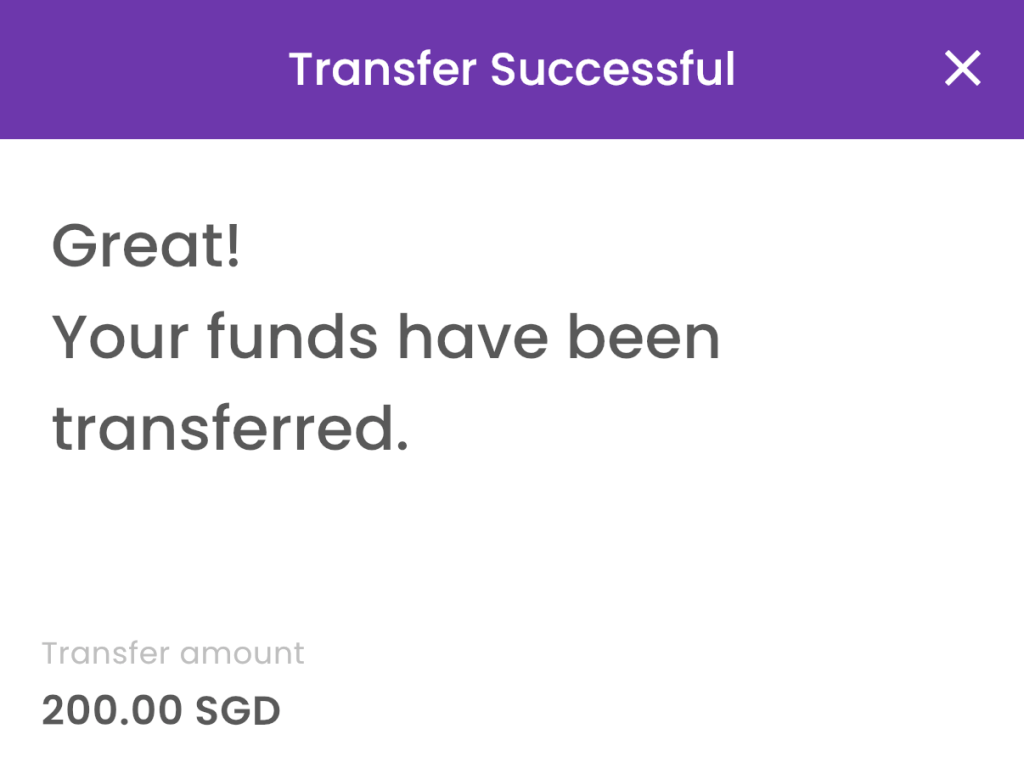
Step 10: Enter the amount that you wish to transfer to your bank account.
TaDa! You have successfully encash your NS LifeSG credits. Thank you Zheng Hu!
PS: Check out my Shopee Collections if you need ideas on where to spend your $200 NS LifeSG Credits.


 DeeKay Dot SG